
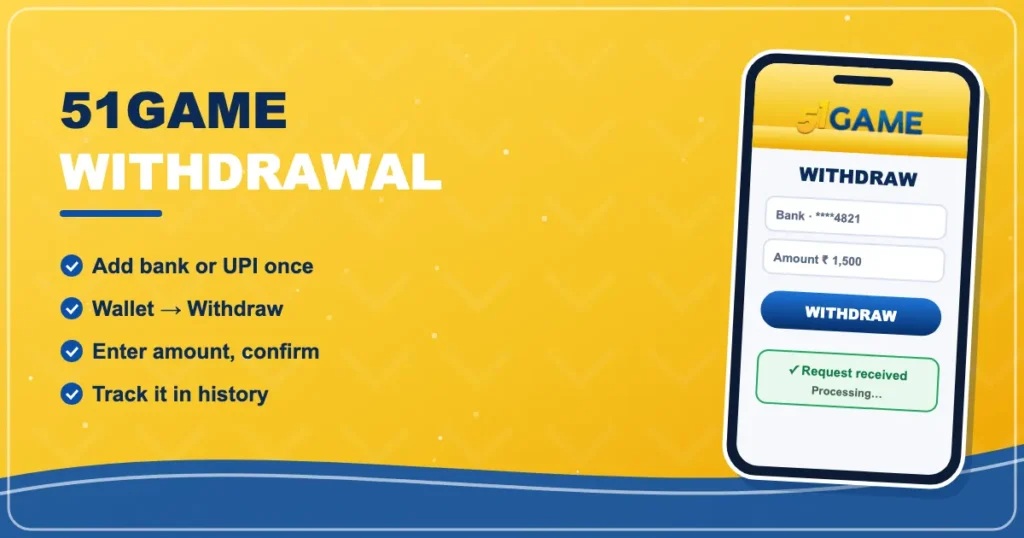

51Game Withdrawal
Bank · UPIMove your 51game winnings to your bank or UPI — and understand every status along the way.
Withdrawals are where questions come up most. Nearly every ‘stuck’ withdrawal comes down to one of three things: turnover, wrong bank details or a bank delay. Here’s how to avoid all three.
One-time setup
- Go to Account → Settings and set a withdrawal password.
- Add your bank account (holder name, account number, IFSC) or UPI ID.
- Double-check the name matches your bank exactly.
Make a withdrawal
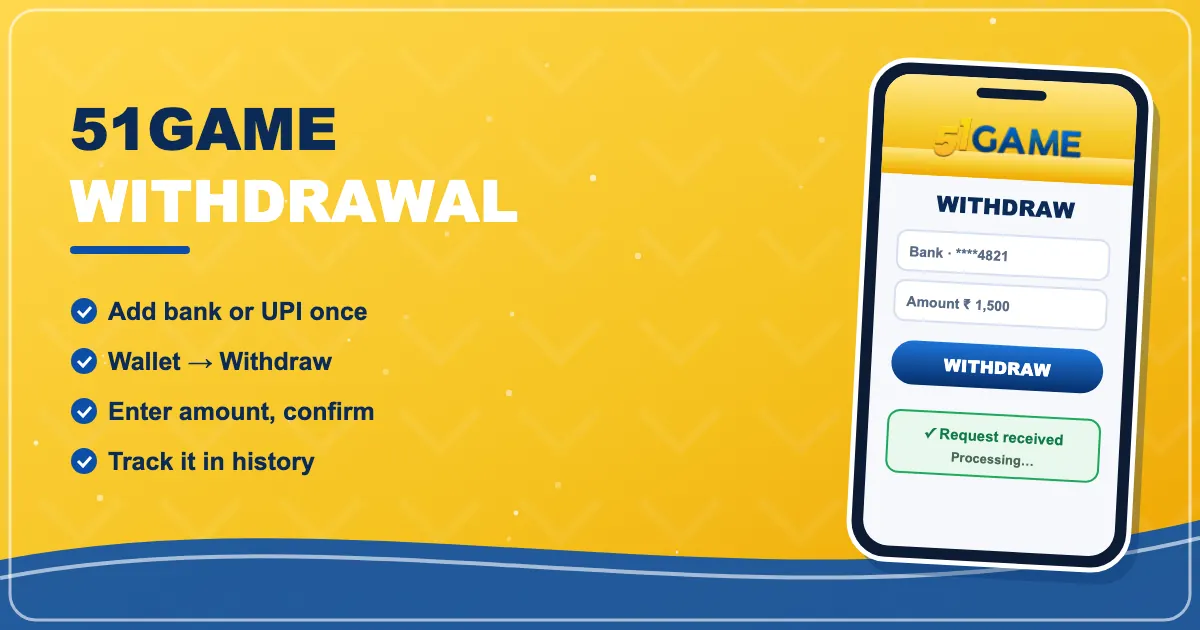
- Open Wallet → Withdraw.
- Check the remaining turnover line — it must be zero.
- Enter the amount (within the limits shown).
- Enter your withdrawal password and confirm.
- Track the status in withdrawal history.
What each status means
| Processing / Under review | The request is being checked |
|---|---|
| Success / Completed | Money sent — bank credit can take a little longer |
| Rejected / Failed | Usually wrong bank details; the amount returns to your wallet |
Waiting longer than expected? Read 51Game withdrawal pending: what to do before contacting support.
Back to the 51game homepage or the deposit guide.
Manage your 51Game wallet
Free sign-up, quick UPI deposits and the full 51game lobby — your account is ready in about a minute.
Join 51Game Now51 Game LoginFrequently asked questions
How do I withdraw from 51Game?
Add a bank account or UPI ID, then go to Wallet → Withdraw, enter an amount and your withdrawal password.
Why can’t I withdraw my balance?
Usually because turnover from a deposit or bonus is still pending. The withdraw screen shows the remaining amount.
How long does a withdrawal take?
Many are processed quickly, but reviews and bank transfers can take longer. Check the status in history.
Is there a withdrawal limit?
Yes, there are minimum and maximum amounts and a daily number of requests, shown on the withdraw screen.